How to Create a Bilty Online in 2 Minutes with LReasy
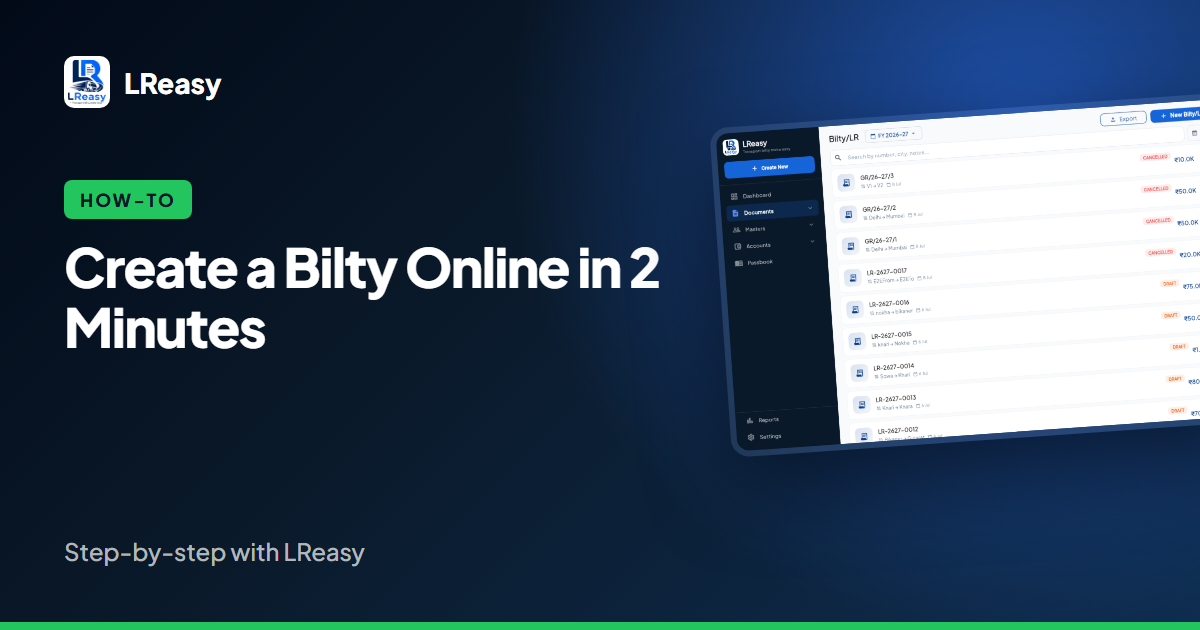
Making a bilty online is faster than writing one by hand — and you never lose a copy. Here is how to do it with LReasy on your phone or computer.
Step 1: Set up your company once
Register with your mobile number and OTP. Then open Settings → Company Profile and add your transport name, address, GSTIN, PAN, bank details and logo. These appear automatically on every bilty PDF, so you only do this once.
Step 2: Start a new bilty
Tap Create New → Bilty. The bilty number is filled in for you using your own numbering format, and today's date is selected.
Step 3: Pick the parties and vehicle
Choose the consignor and consignee from your party list — or add a new party right there. Select the truck and driver the same way. Saved parties remember their address and GSTIN, so the next bilty is even faster.
Step 4: Enter goods and freight
Add the goods description, packages and weight, then the freight rate and amount. Choose whether freight is Paid, To Pay or To Be Billed, and add any advance received along with the payment mode (cash or bank).
Step 5: Hired vehicle? Add hire details
If the truck is not your own, enter the hiring charge, commission and any advance paid to the truck owner. LReasy posts these to the truck owner's ledger so settlement is simple later.
Step 6: Save, download and share
Tap Save. Your bilty is ready as a clean PDF — download it, print it, or share it on WhatsApp with one tap. The freight, advance and hire amounts are already in your ledgers and passbook.
What happens after saving?
- The party's ledger shows the freight due and any advance received.
- Cash or bank advances appear in your Passbook.
- You can create a freight invoice, loading slip or delivery slip from the same data.
Ready to try? Open LReasy and create your first bilty free.